App for dog walkers
Using Figma Make to turn dog-walking app wireframes into a high-fidelity interactive prototype.
- Problem
- Turning a wireframe into a useful prototype is slow when every screen and interaction is recreated by hand.
- Approach
- An AI-assisted workflow in Figma Make: preparation, responsive decisions, design-system integration, prompt engineering, and iterative refinement.
- What I built
- A high-fidelity, interactive prototype of the Oki Doggy dog-walking app, built from existing wireframes with the Camel Design System.
- Outcome
- A prototype with visual consistency, clear interactions, and a cohesive end-to-end flow, produced with a repeatable AI-assisted workflow.
01
Project overview
This project uses Figma Make to transform Oki Doggy wireframes into a high-fidelity, interactive prototype. The aim was to accelerate the design process with AI while keeping the intended user flows and visual direction intact.
02
Problem statement
Turning a wireframe into a useful prototype can be slow when each screen and interaction is recreated manually. The challenge was to explore a faster workflow without losing design quality.
03
Goals
The work focused on creating a practical, repeatable AI-assisted prototyping workflow.
- Create a high-fidelity prototype from existing wireframes
- Preserve intended user flows
- Use the design system consistently
- Reduce manual production time
04
Process and workflow with Figma Make
The workflow combined preparation, responsive decisions, design-system integration, prompt engineering, and iterative refinement.
05
Responsive design
The generated prototype was checked across responsive layouts to make sure the experience remained clear for the intended device contexts.
06
Integrating the design system
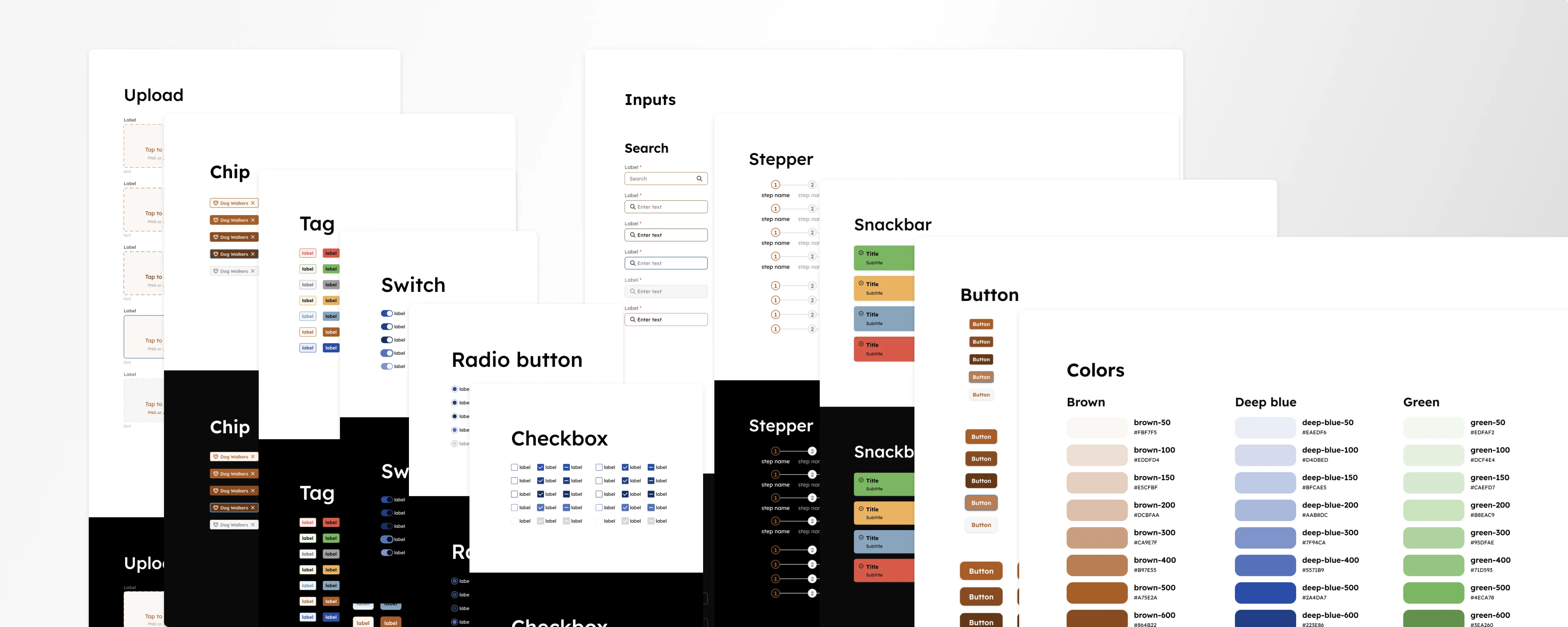
Camel Design System foundations kept colour, typography, spacing, and components coherent throughout the prototype.
07
Prompt engineering
Careful prompts were used to translate the intended structure and interactions into a closer visual and functional result.
08
Iterative prototyping
Each output was reviewed, adjusted, and tested against the original flow before moving to the next iteration.
09
Refinement and finalization
The final pass focused on the details that make the prototype feel considered: visual consistency, interaction clarity, and a cohesive end-to-end flow.